How to Learn Video Editing in 2026: A Beginner’s Guide
Learn video editing by choosing the right software, mastering basic editing skills, practising real projects, exploring AI-powered tools, and improving through feedback. Start simple, stay consistent, and build your creative portfolio with Hamulus Bureau.
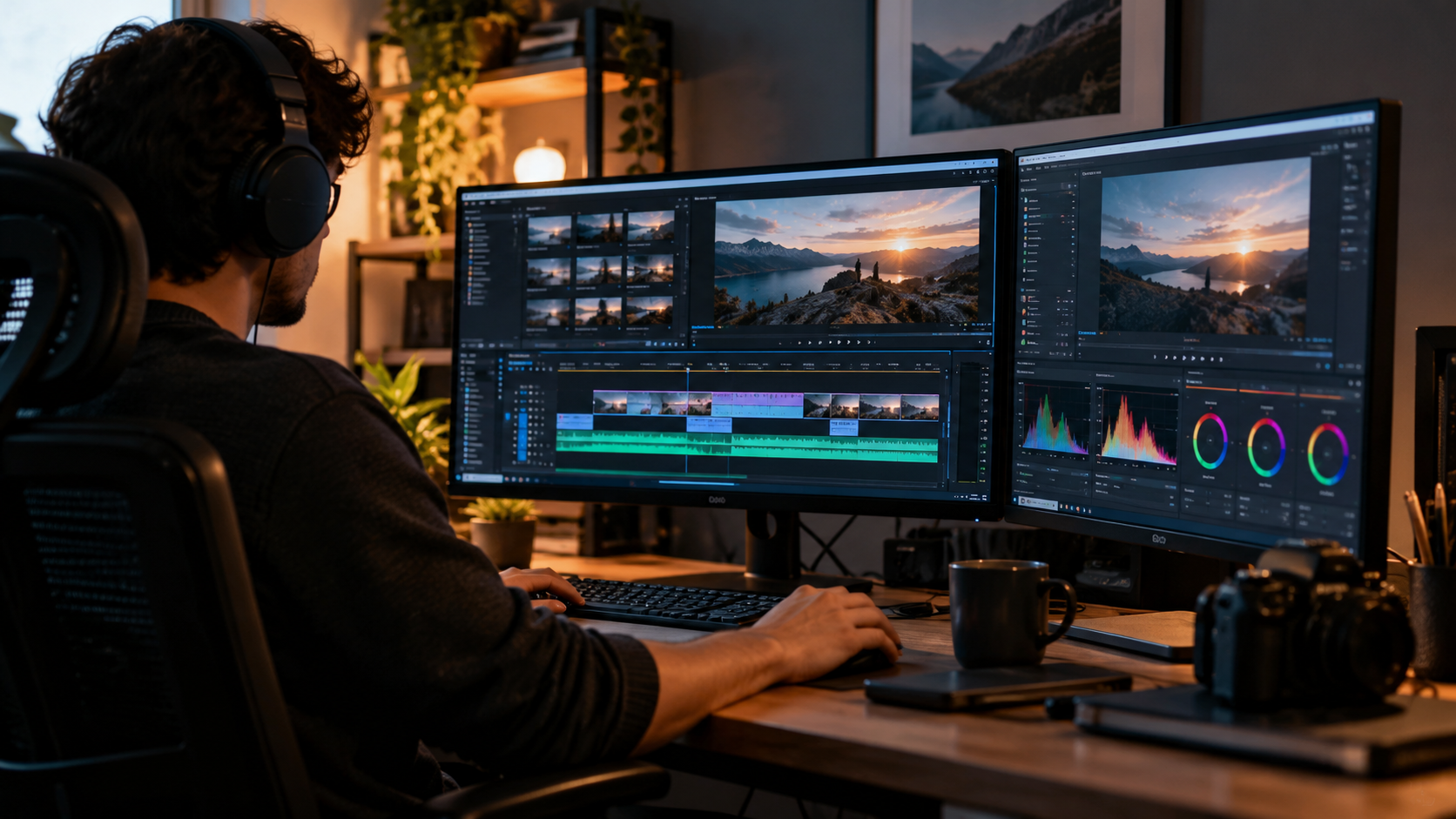
Want to learn video editing? Start with the basics, practise with real footage, and improve one project at a time.
1. Choose Your Editing Software
Start with a tool that suits your needs. Try DaVinci Resolve for professional editing and colour grading, Adobe Premiere Pro for versatile creative workflows, or CapCut for quick social media videos.
2. Master the Fundamentals
Learn cutting, trimming, transitions, audio balancing, colour correction, and storytelling. Smooth, purposeful edits matter more than flashy effects.
3. Practise with Real Projects
Edit short reels, YouTube videos, interviews, or mini-documentaries. Recreate styles you admire and build a portfolio that showcases your skills.
4. Use AI Tools Wisely
Modern editing software offers AI-assisted workflows for tasks such as transcription, rough cuts, media searching, and generating creative elements. Explore Adobe Premiere Pro and DaVinci Resolve while keeping creative decisions in your hands.
5. Get Feedback and Keep Improving
Share your edits with other creators, study professional videos, and learn from constructive criticism. Consistent practice with feedback will help you develop faster.
Final Tip: You don’t need expensive equipment to begin. Start with what you have, focus on storytelling, and keep creating.
Explore more creative tips and digital solutions at Hamulus Bureau.